
What Happens When Someone Scans Your Car QR Code Sticker?
A step-by-step breakdown of how Abtara's smart car parking QR tags work. Learn how instant communication happens without revealing your private phone number.
Abtara Team
Verified Editorial
The Magic Behind the Scan
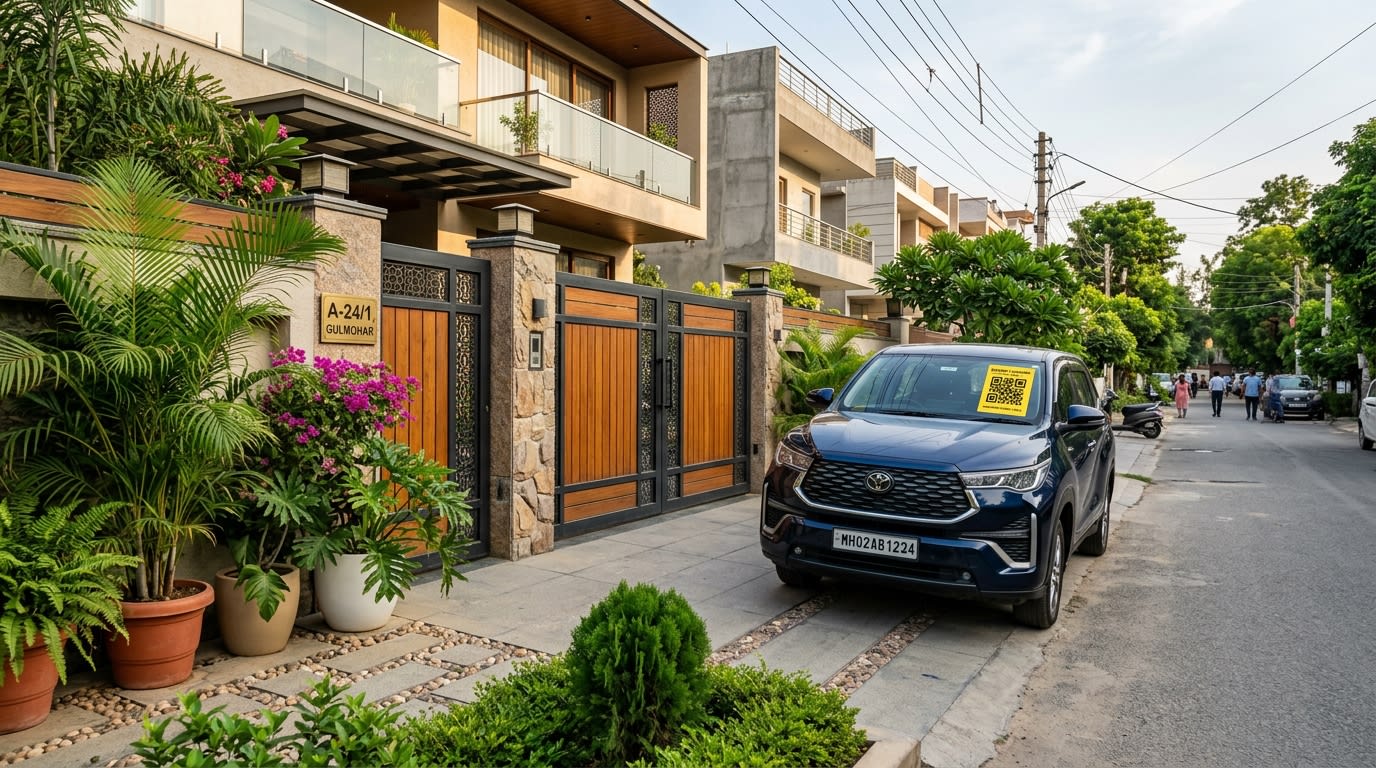
You've probably seen them on windshields—small, sleek QR code stickers with text like "Scan to Contact Owner." But if you've never used one, you might be wondering: what exactly happens when someone points their camera at that square?
Let's pull back the curtain and look at exactly how the Abtara Car QR Code Sticker works, step-by-step.
Step 1: The Scan
Imagine you've accidentally blocked someone in a tight parking lot. The blocked driver approaches your car, sees the Abtara sticker on your windshield, and opens their smartphone camera. They don't need a special app; the native camera app on any iPhone or Android device instantly recognizes the QR code and prompts them to tap a link.
Step 2: The Secure Bridge Page
Tapping the link opens a secure web page in their browser. Crucially, your phone number is nowhere to be seen on this page.
Instead of your personal details, the scanner sees a clean, professional interface with simple options:
- Call Owner
- WhatsApp Owner
- Send Alert (e.g., "Car is blocking my way", "Lights left on")
Step 3: The Connection (Call or Message)
If they choose to Call:
Abtara utilizes advanced cloud telephony (virtual number masking). When the person taps "Call," our system places a call to your actual registered mobile number, but the caller ID will show a virtual number, not the scanner's personal number. Likewise, the scanner will see a virtual number, not yours. Absolute privacy is maintained on both ends.
If they choose WhatsApp:
If they tap the WhatsApp option, a pre-filled message template opens in their WhatsApp app, directed to our secure WhatsApp Business API bot. Our system immediately forwards that notification to your WhatsApp, keeping numbers masked.
Step 4: You Take Action
Your phone rings, or you get a WhatsApp alert. You are instantly informed that someone needs you at your car. You can step out, move your vehicle, or address the emergency—all without having ever publicly displayed your contact information on your dashboard.
The Setup Process (For the Owner)
Getting this system running is incredibly simple:
- Buy the sticker: Order your Car QR Code Sticker from Abtara.
- Stick it: Apply it to the inside or outside of your windshield.
- Activate it: Scan the code yourself for the first time. You'll be prompted to enter your vehicle number and your mobile number.
- Verify: Verify via OTP, and your tag is instantly live.
Common Question: What if my phone is off?
Abtara allows you to configure a secondary or emergency backup number in your profile. If the primary number is unreachable, the system can automatically route the alert to your alternate contact.
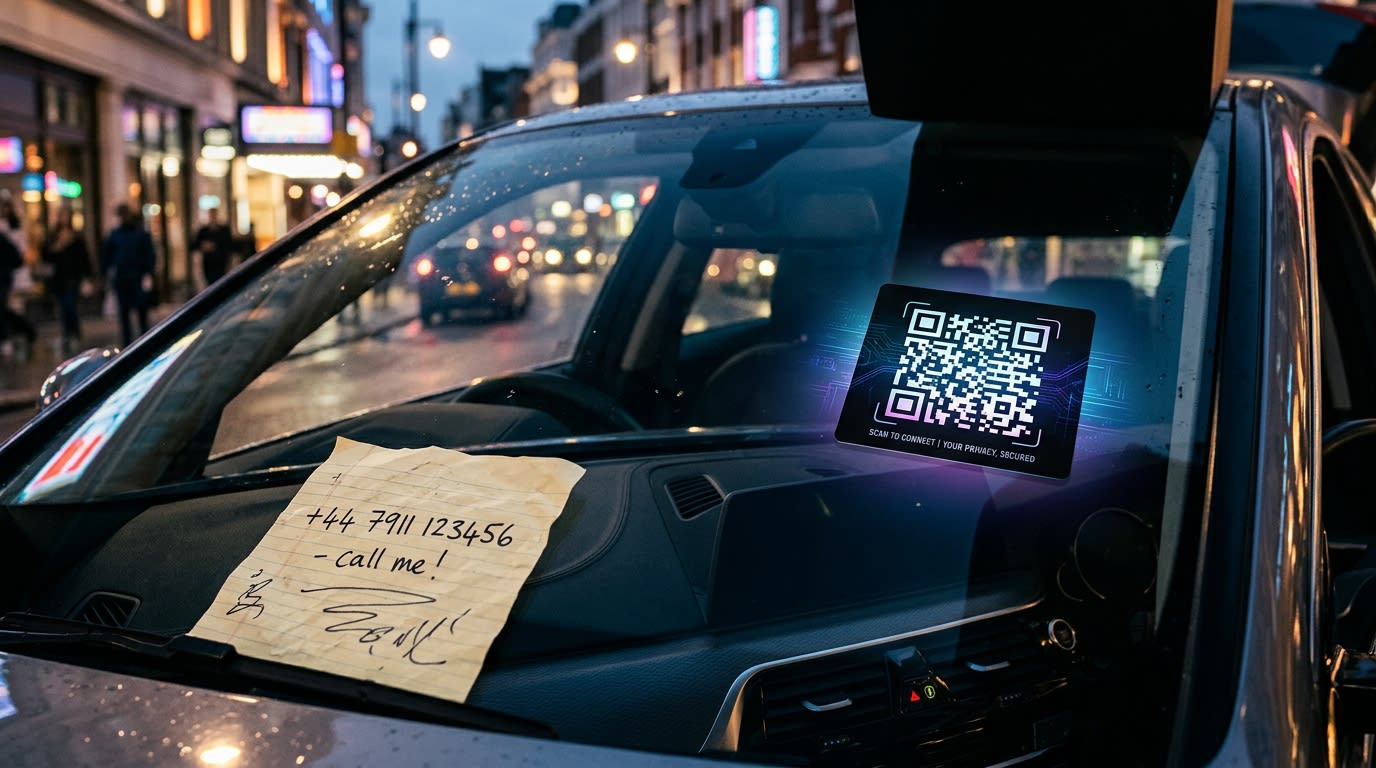
Why This Beats the Old "Paper on Dashboard" Method
- Privacy: Scammers and telemarketers cannot harvest your number by walking through parking lots.
- Professionalism: It looks much better on your premium vehicle than a scribbled piece of paper.
- Durability: Our UV-resistant stickers don't fade in the sun like ink on paper.
Ready to upgrade your vehicle's safety and your personal privacy? Get your Abtara Car QR Code Sticker today.